Compatible Exp Pedal Pot Resistance
Max. 10kΩ
Power Requirement
9-18V DC center negative or 5V DC (USB)
Current Consumption
Max. 100mA
Working Range
≤5m
Dimensions
258.5mm (W) x 55.5mm (D) x 49mm (H)
Weight
440g

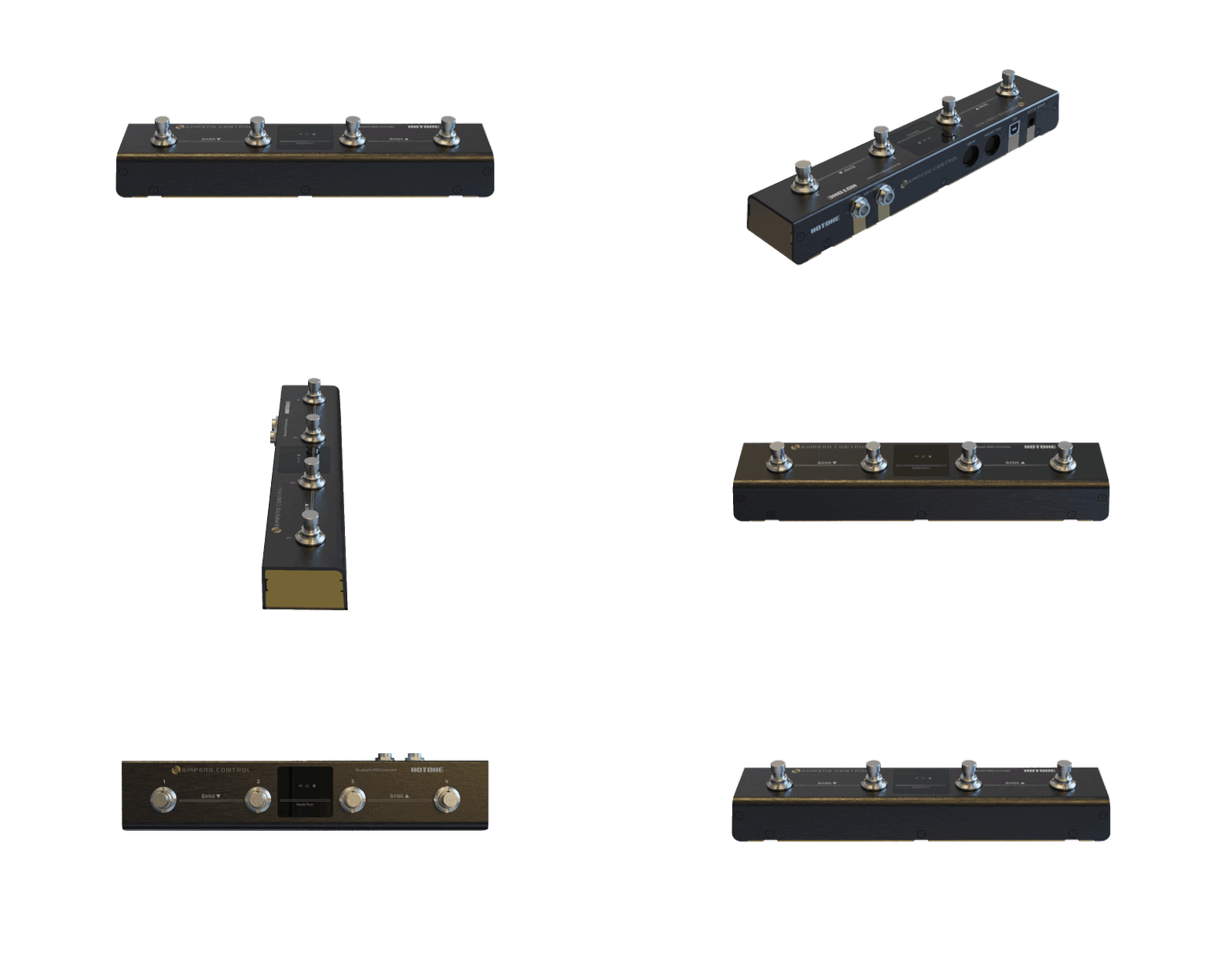
Ampero Control is a compact, sturdy, fully programmable Bluetooth MIDI controller, that gives musicians flexible MIDI-based control via MIDI port, USB jack and Bluetooth. It features 4 footswitches, with each footswitch, you can send up to 16 different MIDI messages by different actions. You can also attach expression pedals or more footswitches to your Ampero Control depending on your needs. Furthermore, a dedicated smart mobile app lets you set every detail of your Ampero Control without any confusion.

Ampero Control supports a wide range of MIDI messages including PC, CC, Note On/Off, and others via MIDI, USB, and Bluetooth. With this you can switch presets, turn effects on/off on your pedals/multi-FXs, play/stop loops in your DAW, or even make a cool pad sound while playing guitar!

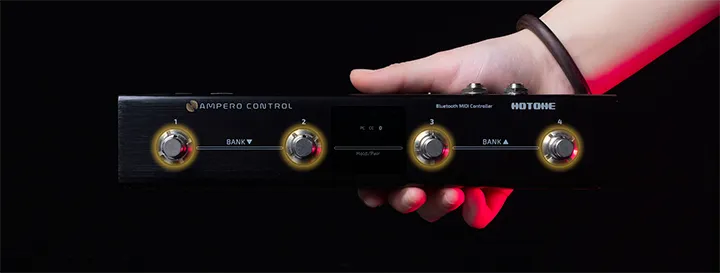
With Ampero Control you can assign up to 16 different MIDI messages (or 32 messages divided into two groups) per footswitch with different press/hold actions. This makes Ampero Control very flexible and enjoyable to use.

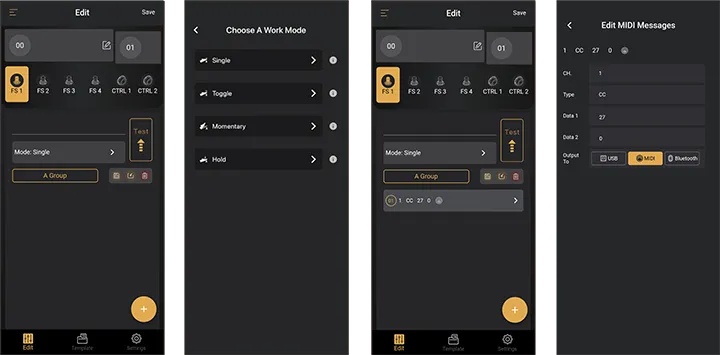
Ampero Control comes with a dedicated mobile app with a straight forward, user-friendly interface, which makes editing MIDI messages a walk in the park. In the app there are several templates for you to control essential and advanced functions of many mainstream audio devices, and you can also create your own templates.
*The mentioned manufacturers and product names are trademarks or registered trademarks of the respective owners, which are in no way associated or affiliated with Hotone Audio.

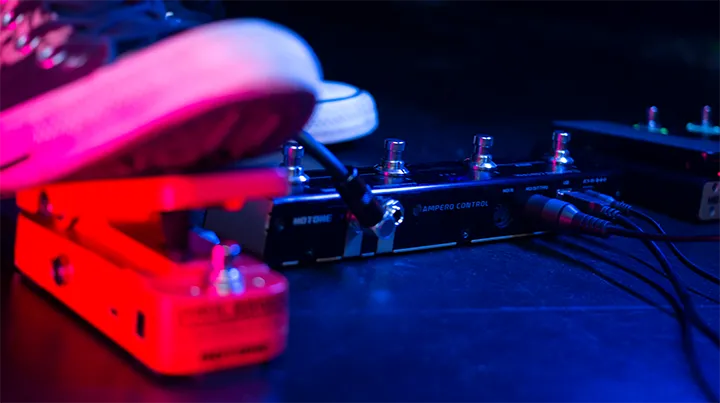
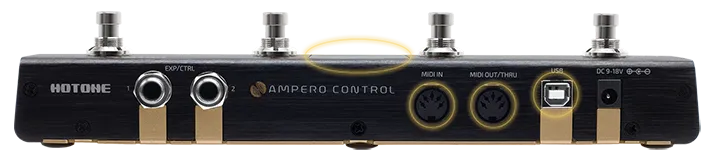
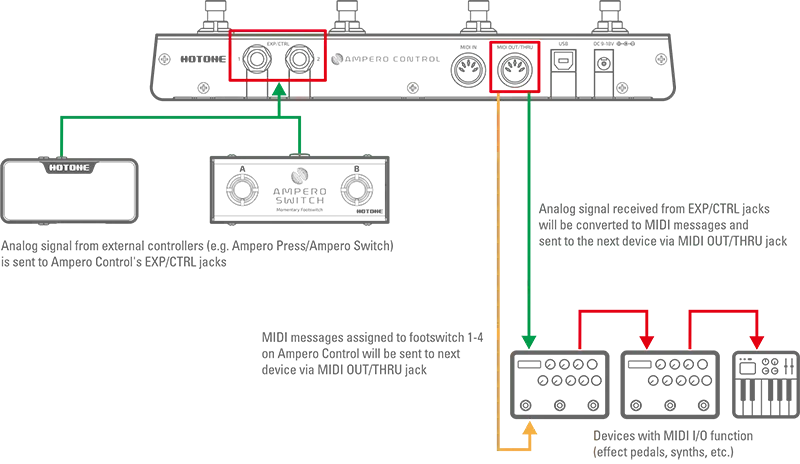
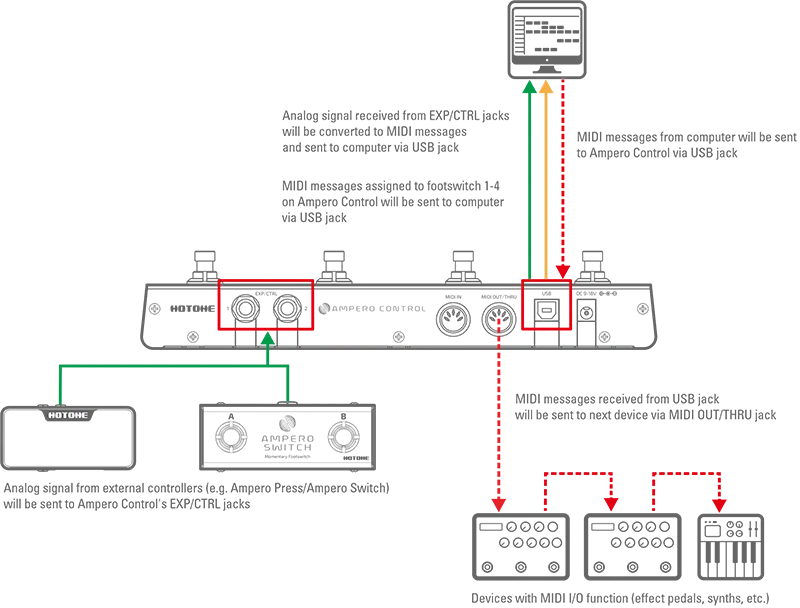
Ampero Control offers two TRS jacks that can connect momentary footswitches or expression pedals. Plug in your controller, do a quick setup in the App, and you get extended MIDI footswitches, bank -/+ switchers, a continuous controller – anything you want.

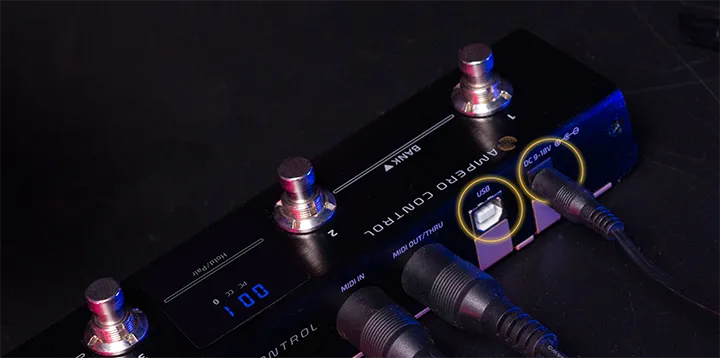
Ampero Control runs on USB bus power or a DC power adapter with a wide voltage range (9-18V), so it can fit in a variety of usage scenarios.

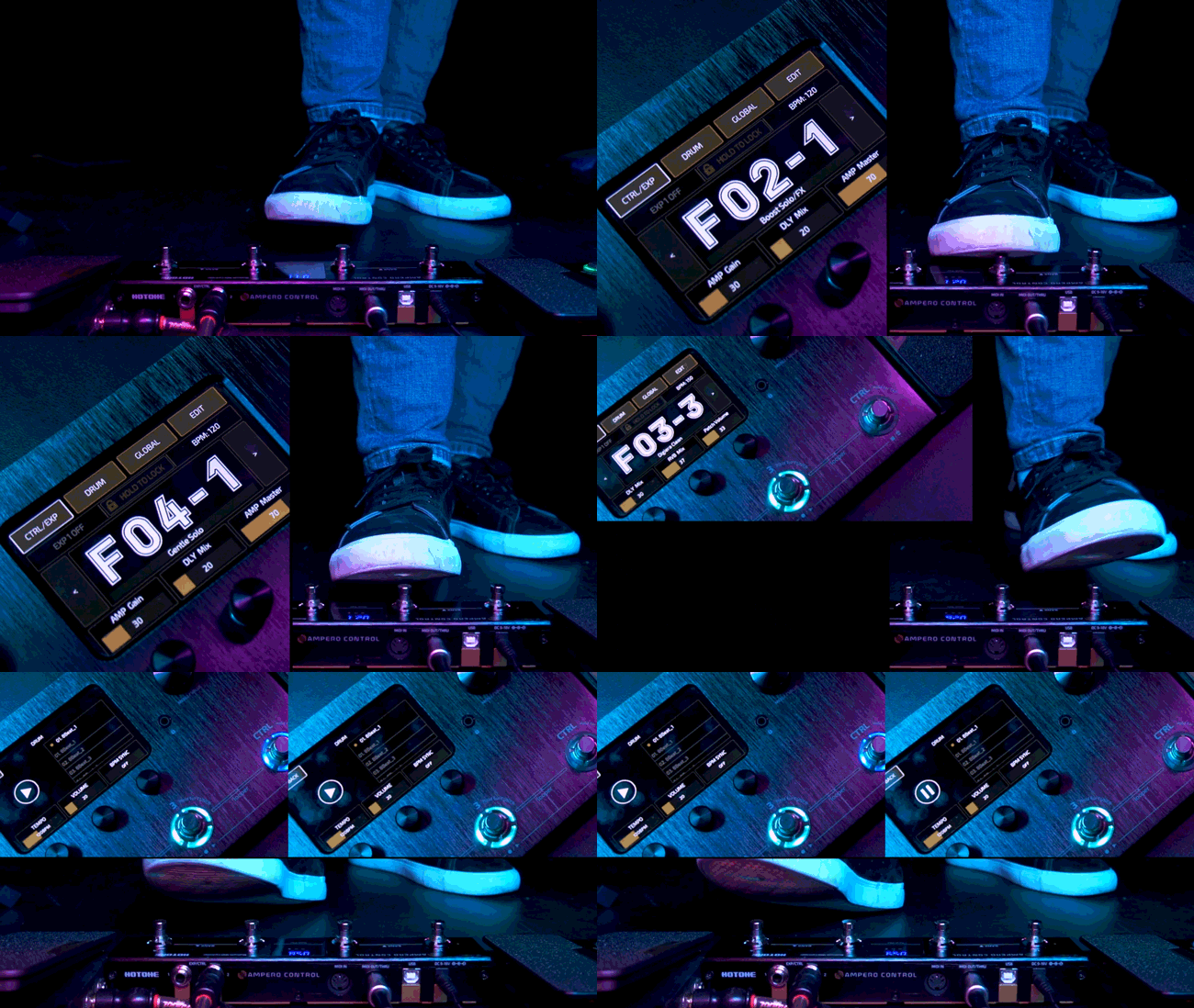
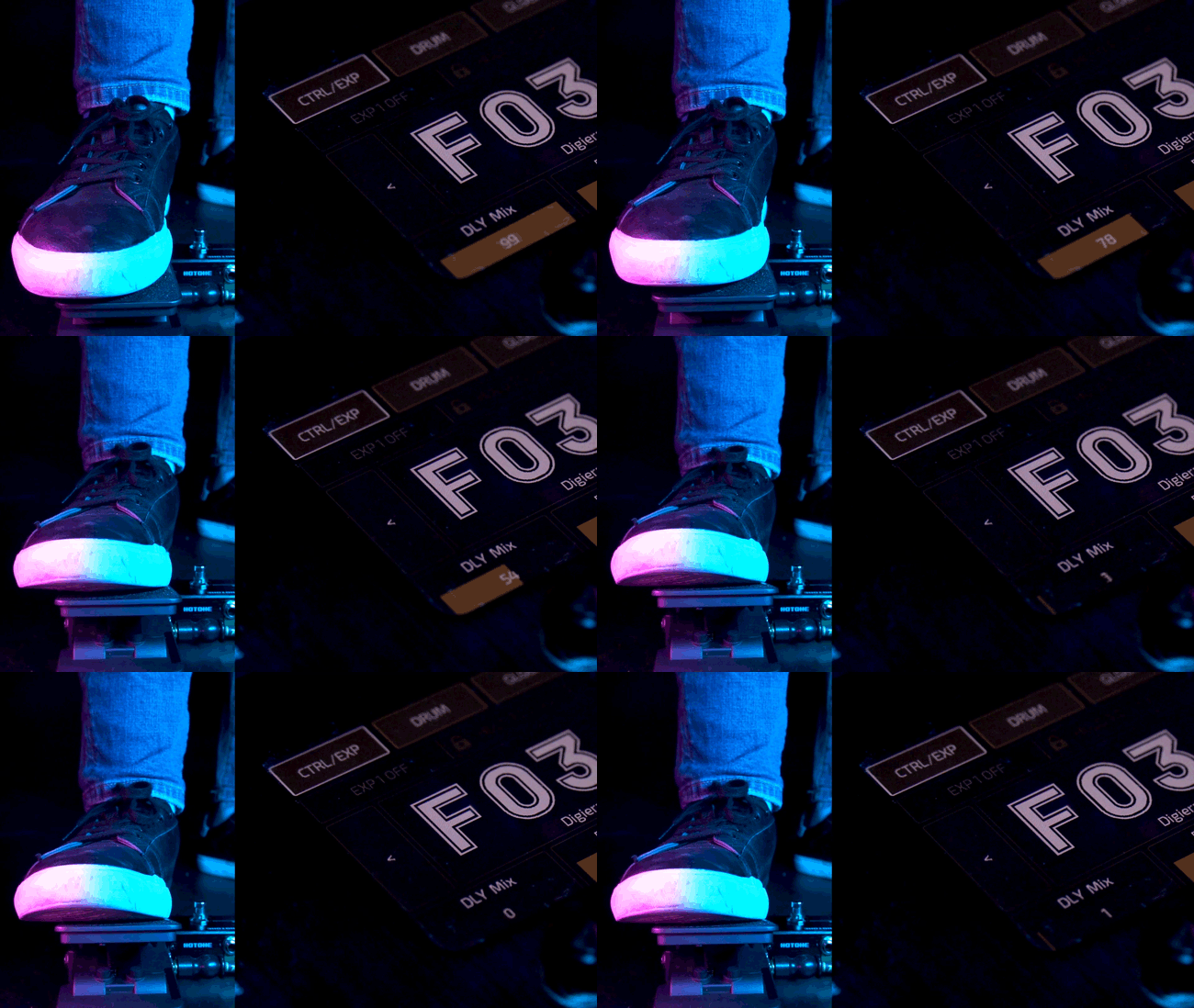
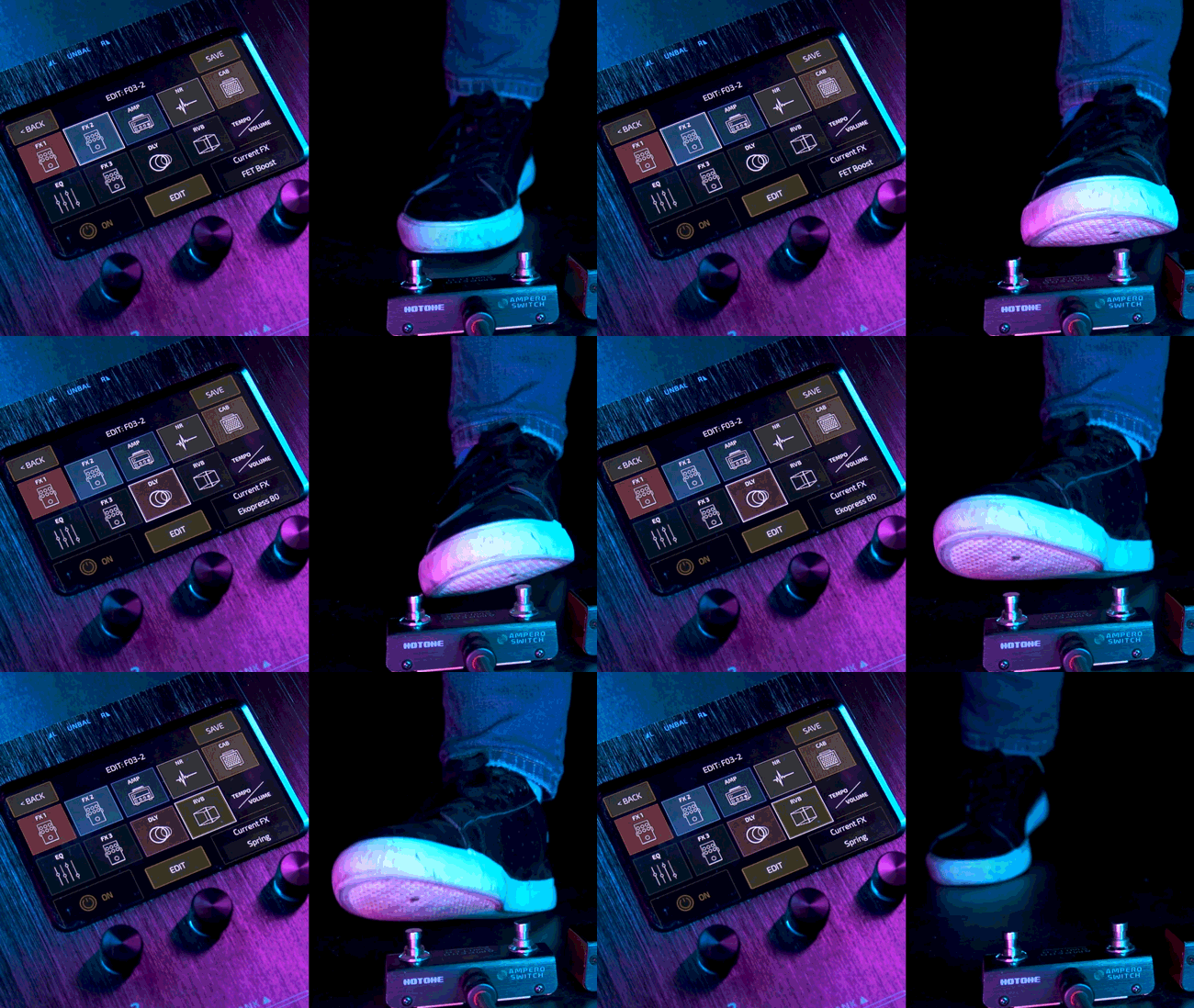
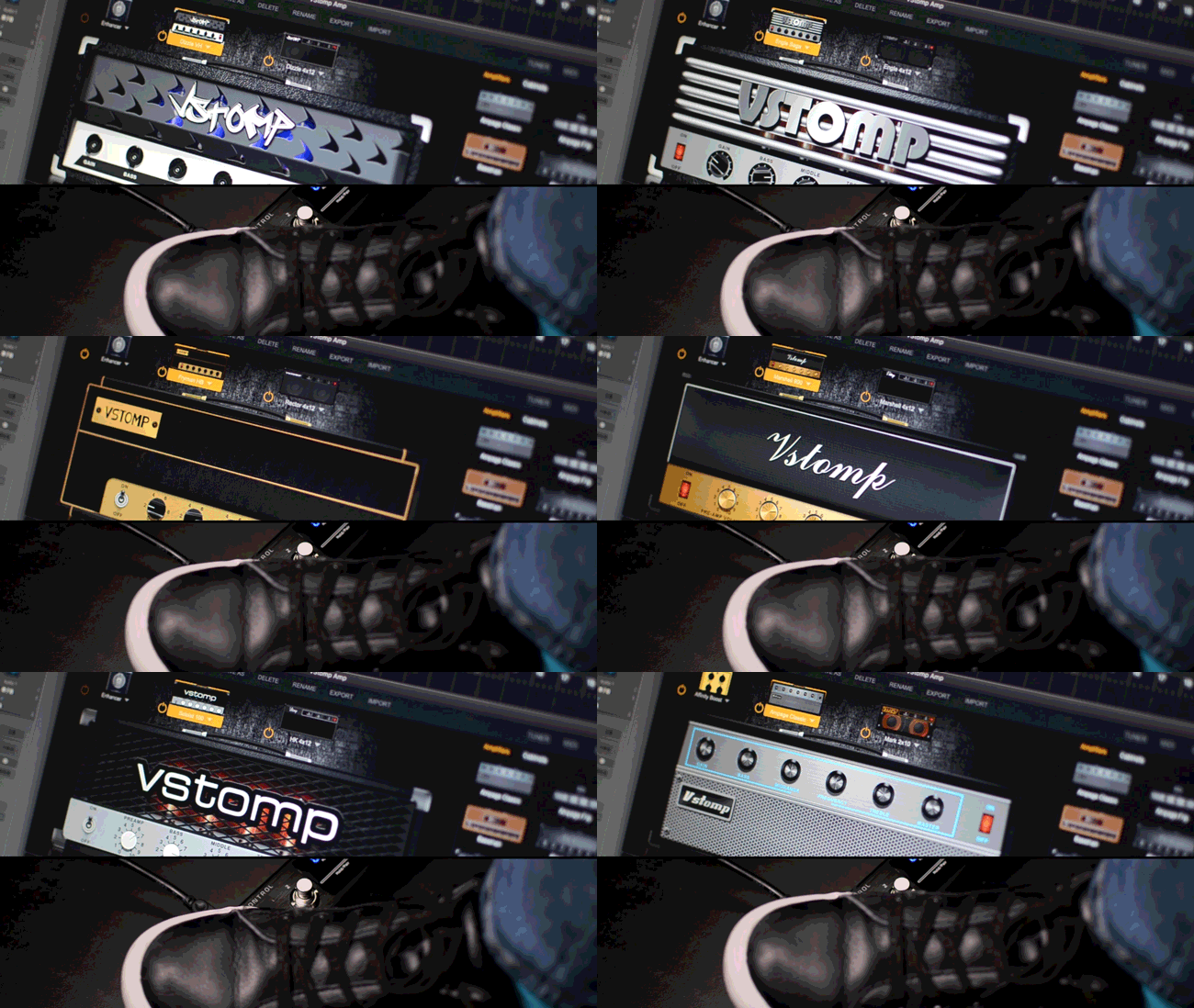

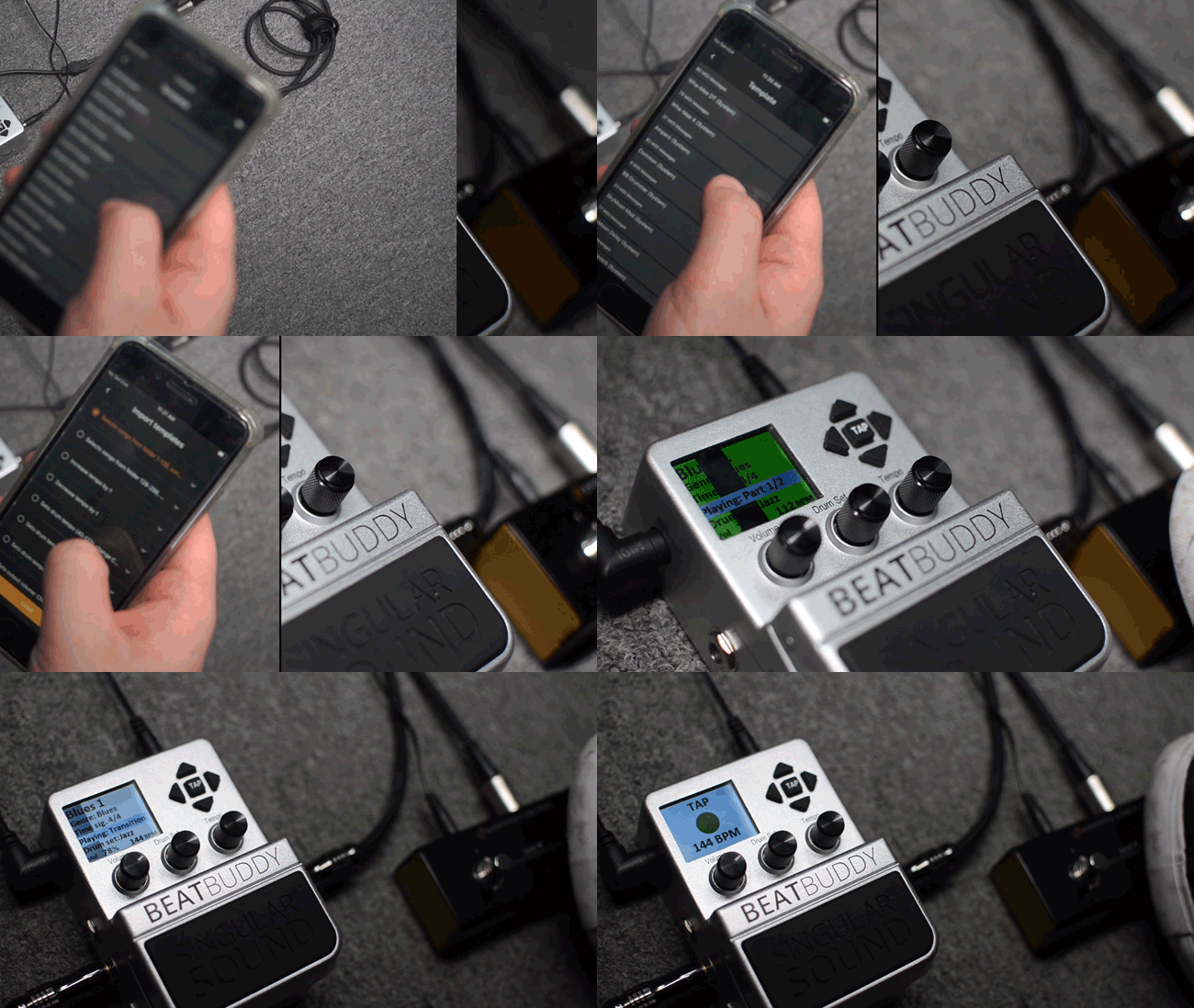
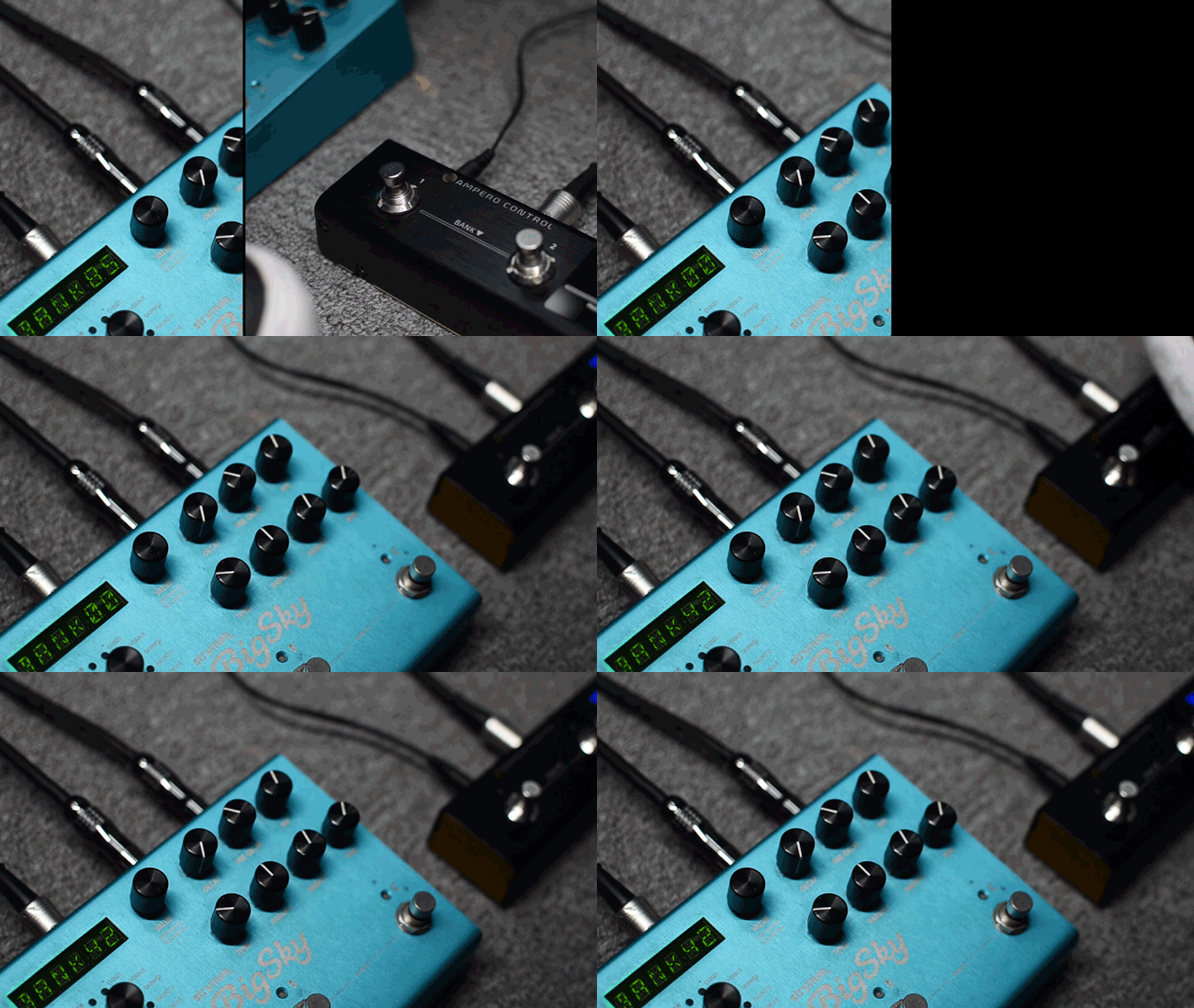
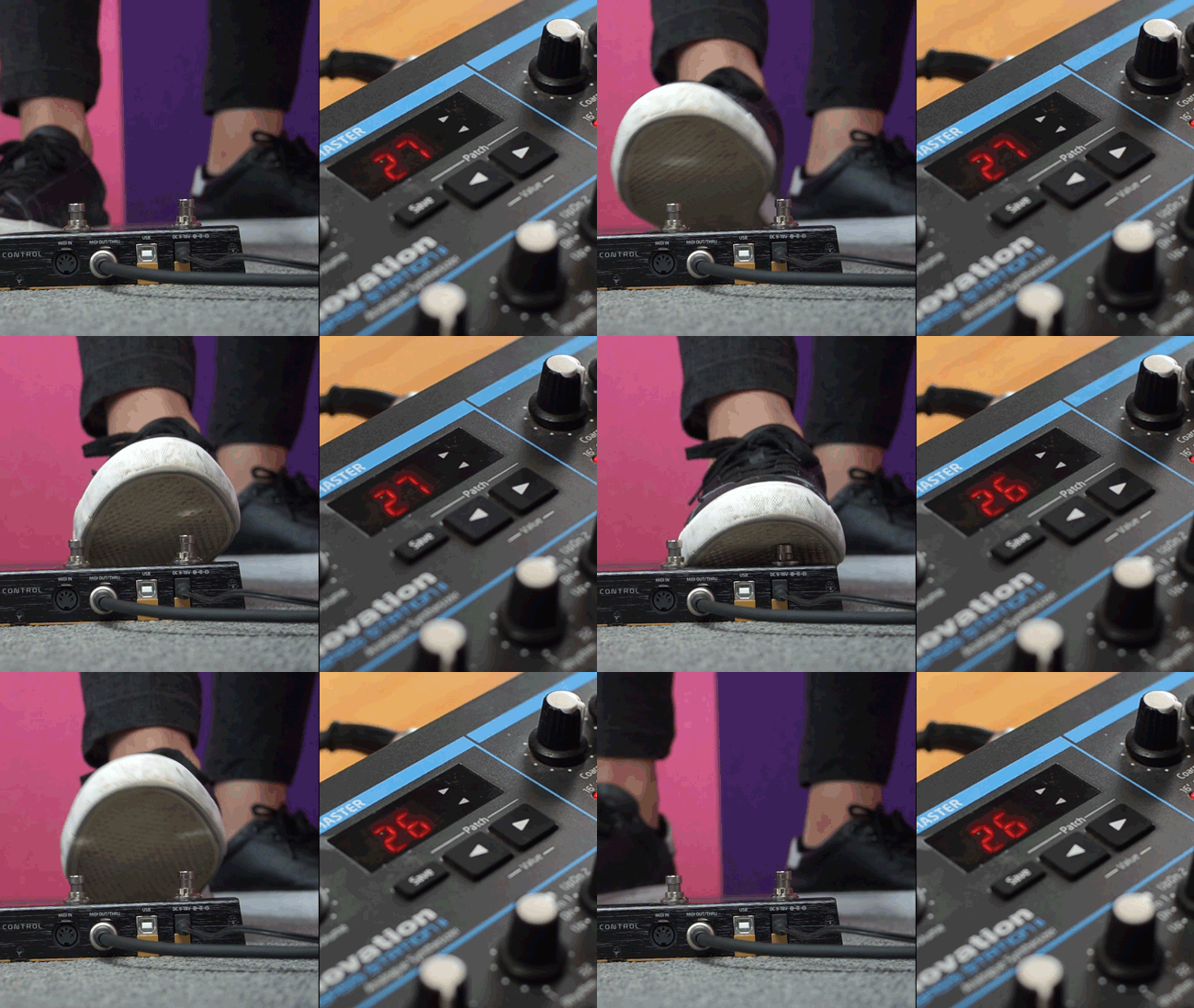
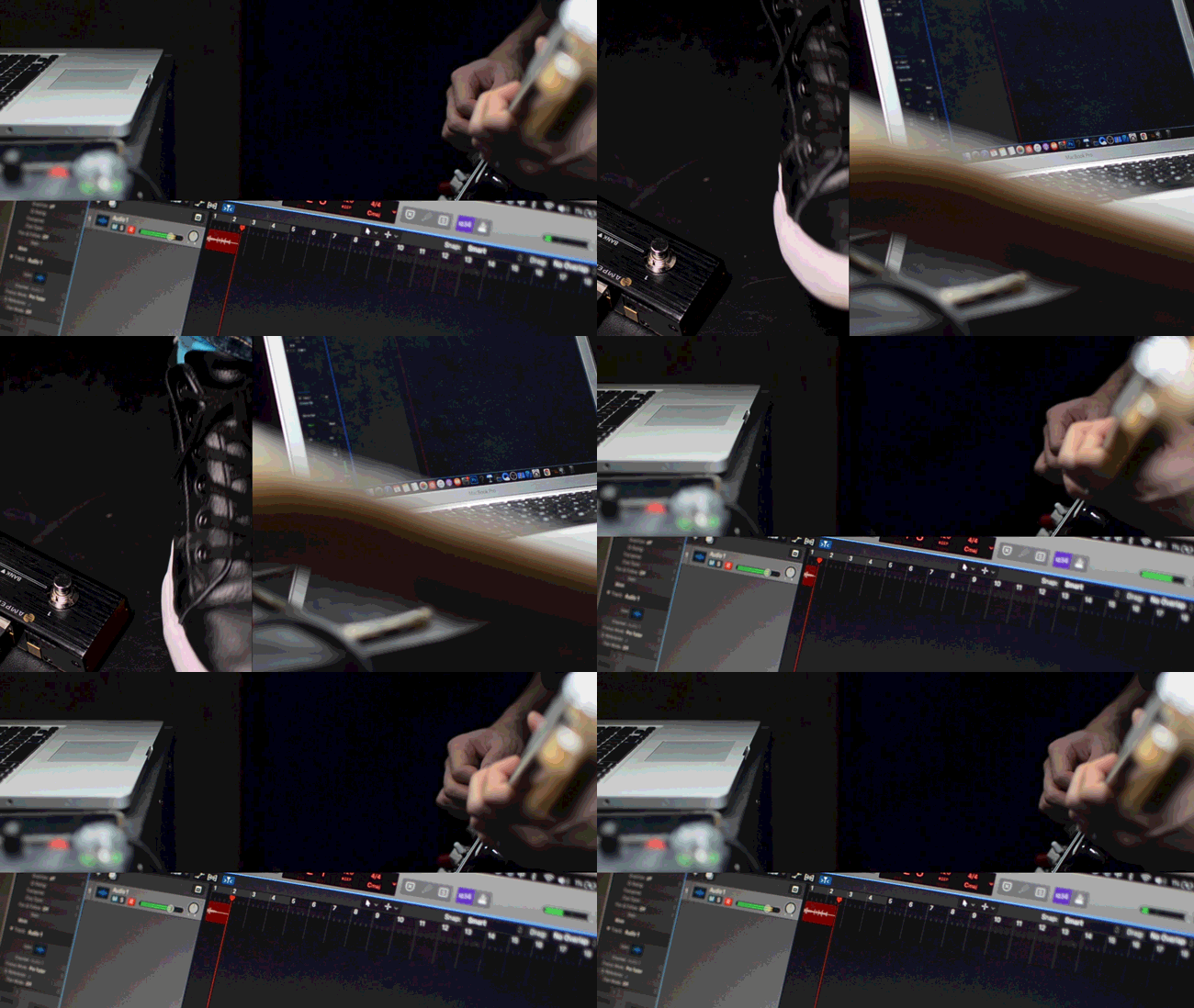
The 3rd party products *apprared in this video are the property of their respective owners, which are not affiliated with Hotone Audio. The products were used merely to identify the function of this product.
Multi-effects with MIDI function
Loopers
Pedals
Amplifiers
Electronic drums
Live backing track players
Synthesizers
Digital pianos
Apps via Bluetooth
Stage lights, etc.
MIDI I/O function required
✪ Compact, smart 4-footswitch Bluetooth MIDI controller
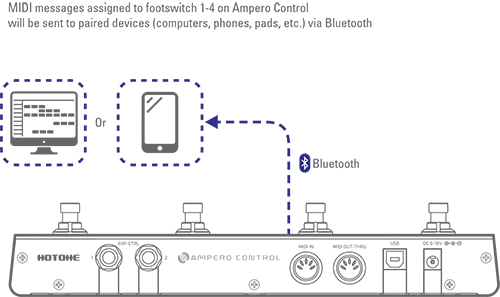
✪ Supports standard MIDI, USB MIDI and Bluetooth MIDI input/output/thru
✪ Sending/transferring MIDI messages to separated/combined MIDI outputs
✪ Send max. 16 MIDI messages by one footswitch (32 for A/B groups)
✪ 100 banks (each bank includes 4 footswitches settings, 2 CTRL/EXP jack settings and more)
✪ Different footswitch triggering actions for flexible switching and various uses
✪ Dedicated mobile App lets you easily set your controller on the fly
✪ 2 CTRL/EXP TRS jacks for adapting external footswitches/expression pedals
✪ 3-digit LED for MIDI message info and Bluetooth connection status display
✪ DC 9-18V or 5V USB bus power supply
9V power supply included
Compatible Exp Pedal Pot Resistance
Max. 10kΩ
Power Requirement
9-18V DC center negative or 5V DC (USB)
Current Consumption
Max. 100mA
Working Range
≤5m
Dimensions
258.5mm (W) x 55.5mm (D) x 49mm (H)
Weight
440g
User account
If you are new to Hotone's product, you can always register as a new users. If you have used Hotone's other products such as XTOMP or VSTOMP, you can just use the same account for XTOMP or VSTOMP to log in. In this way you can just use one account to access all the services of Hotone.
What is a template
A template is just a group of MIDI messages which are dedicated for one single purpose. The app comes with a library of templates for various popular products in the market. For the reason of trademark, we must change the name a little bit for the brands. But smart people like you could just easily figure it out.
As we can't include all the products in the market, you can expand this library by yourself too. One you have edited a group of MIDI message and have verified its function, you can save it as a template. So, the next time you want to recall this function, you don't have to do it from scratch.
Do I need to always connect my mobile phone to use it?
Once you are done with all the editing and have saved the presets to your Ampero Control, you can just use it without your mobile phone. All the contents are stored inside the device and all you need to do is to power it up.
What is Test?
You must have noticed the button Test in the editing page. What the “Test” button let you do is to ask the Ampero Control to send out the current group of message you are editing. The messages are not stored and the preset is not modified. This will allow you to verify the messages before you actually store it.
How to use the MIDI IN socket
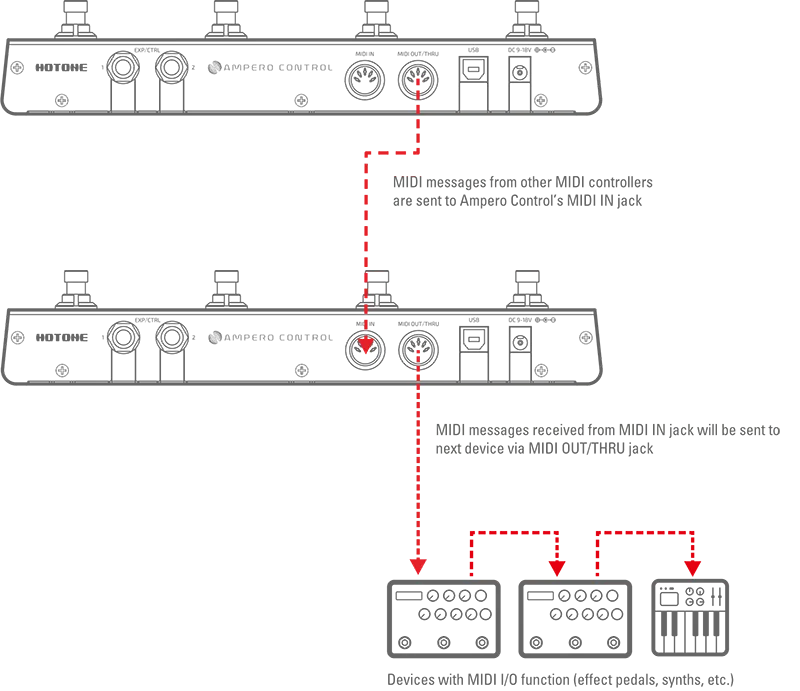
First of all, the MIDI OUT socket on Ampero Control is also a MIDI Thru socket. The MIDI messages that Ampero Control receives from either MIDI IN, Bluetooth MIDI or USB MIDI will be forwarded to the MIDI OUT socket. So there are two major reasons that you would use the MIDI IN socket.
The first one is to connect multiple Ampero Control together so you can have more than 4 footswitches. Just connect Ampero Control in a daisy chain style by plugging MIDI cable between MIDI IN socket on one device to MIDI OUT socket on another one.
The second one is to allow you to put Ampero Control in the middle of your MIDI message chain instead of only at the beginning of the message chain.
Can I send MIDI messages to Ampero Control through USB and Bluetooth?
Yes you can send MIDI messages to Ampero Control either through USB MIDI and Bluetooth MIDI. All the received messages will be sent out untouched through MIDI OUT socket.